KEY
Bring Your Own API Keys
Use your own provider credentials and test APIs directly without building a separate integration first.
Test, compare, and debug AI APIs using your own API keys. OpenAI, Claude, Gemini, DeepSeek, Mistral, Groq and more all in one developer console.
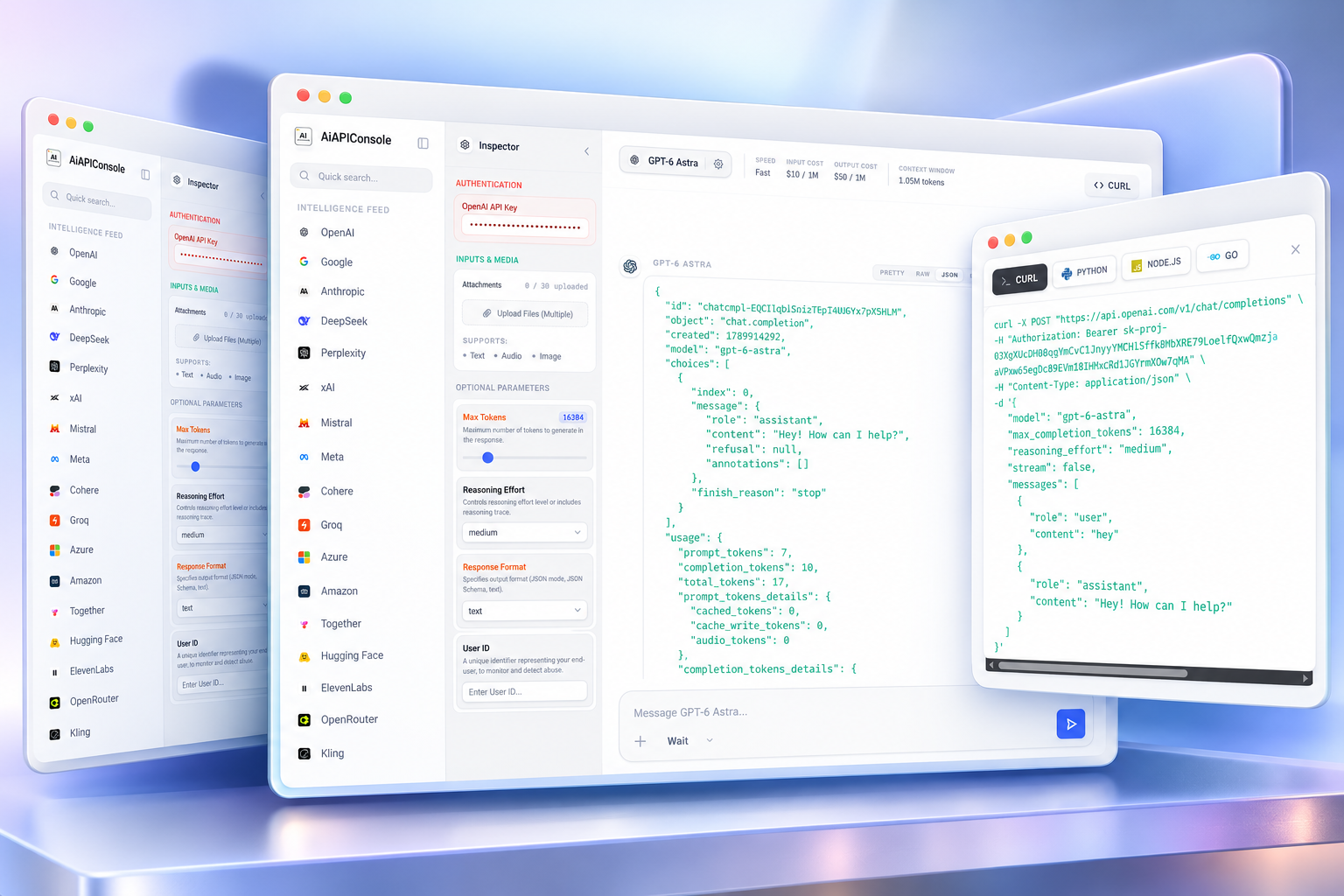
Stop switching between provider dashboards. Bring your own API keys, select a model, configure its supported parameters, and send requests from one focused developer workspace.
Use your own provider credentials and test APIs directly without building a separate integration first.
Work with the actual request structure, supported inputs, parameters, responses and errors.
A focused console for experimentation, debugging, evaluation and moving from API test to production.
Run the same prompt across different models and compare the response, latency, token usage and cost before choosing what belongs in your application.
Keep the test consistent across providers so differences are easy to inspect.
Compare outputs without opening multiple provider consoles or browser tabs.
See model usage information alongside the response instead of guessing from a chat window.
Use the inputs your selected AI API supports. Build realistic requests instead of testing only simple text prompts.
Inspect raw JSON, formatted output, token usage, errors, latency and request details from the response your API actually returns.
We don't want your data. AiAPIConsole runs completely locally in your browser. API requests are made straight from your machine to the provider.
Your API keys are stored in your browser's local storage and never touch our servers.
Requests are routed directly to the provider (or through a dumb transparent proxy to bypass CORS).
No telemetry, no prompt logging, no data retention. Your experiments are yours alone.
#1 AI API Playground and developer console, AI | API Console allows you to test, compare, and debug different artificial intelligence models from various providers using a single unified interface, without needing to write custom integration code first.
Simply launch the AI | API Console playground, select your desired provider and model, securely enter your API key, configure the specific parameters you want to test (like temperature or max tokens), and send your prompt.
Yes. Our platform uses a zero-retention local session architecture. You bring your own API keys, and they are only ever used to securely construct and dispatch requests directly from your browser to the provider.
Yes, we support the entire modern OpenAI catalog, including their flagship GPT-4o models, o1 reasoning models, whisper transcription, and TTS endpoints.
Yes, the console natively supports Anthropic's Claude 3.5 Sonnet and Opus models, allowing you to test their long-context windows and specific system prompts natively.
Yes, you can test Google Gemini 1.5 Pro and Flash directly, including their massive 1M+ token context windows and multimodal attachment capabilities.
Absolutely. By switching models in the playground, you can run the exact same prompt across different providers and instantly compare response quality, inference latency, token usage, and API costs.
Yes, our console supports full multimodal testing. If a model supports it, you can seamlessly upload images, PDFs, CSVs, or audio files directly into the prompt box.
Yes, every response in the console includes a toggle that allows you to instantly inspect the exact, raw, unparsed JSON payload returned by the provider for ultimate debugging clarity.
Yes. Using the live Code Builder, your current prompt and parameter configurations are instantly translated into working, copy-pasteable cURL, Python, Node.js, and Go scripts.
Bring your API keys. Pick a model. Send your first request. Compare the result. Move to production when you're ready.
Launch AI API Playground →